New article
Recently updated
Managing an existing key

Who is this article for?
Users who want to learn to manage an existing key.
No special access or permissions are required.
Once you have created a key for a tenant, you can deactivate, activate, or regenerate it from the row menu.
Deactivating a key
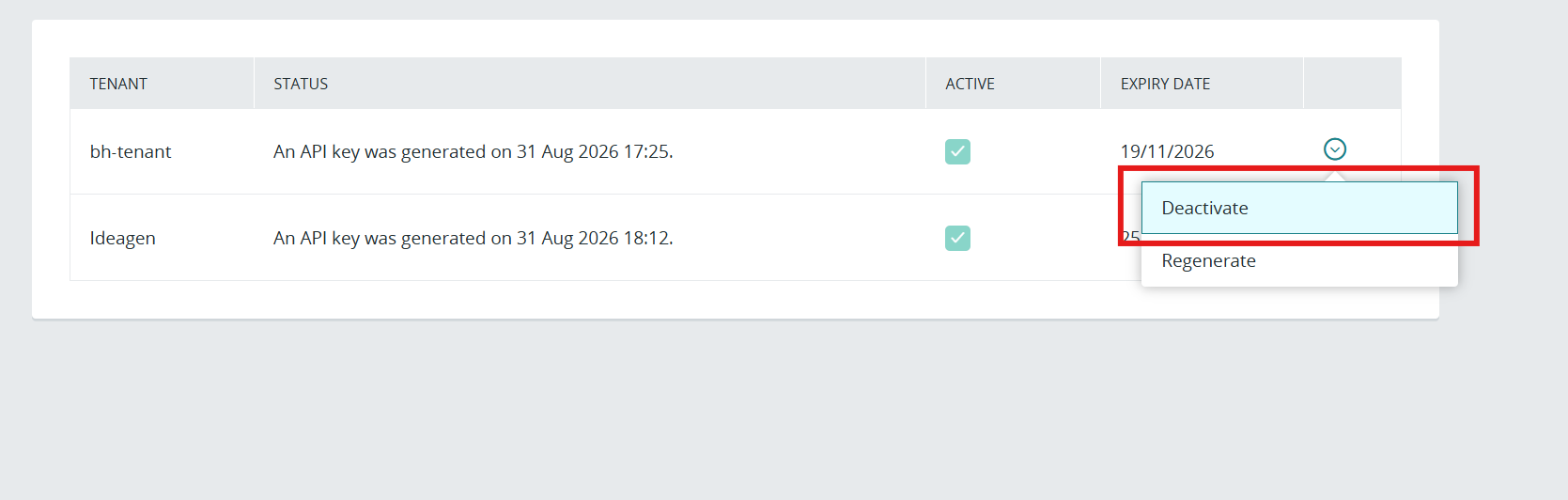
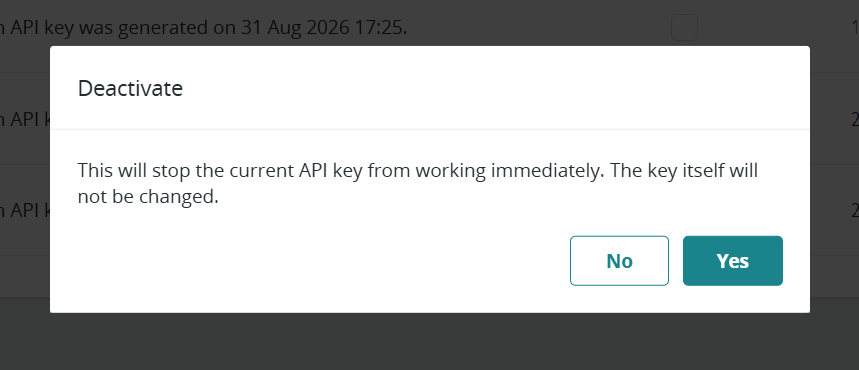
Deactivating stops the current key from working immediately. The key itself is not changed, so you can reactivate it later without generating a new value.
To deactivate a key:
- Locate the key in the tenant list.
- Open the row menu.
- Select Deactivate.
Activating a key
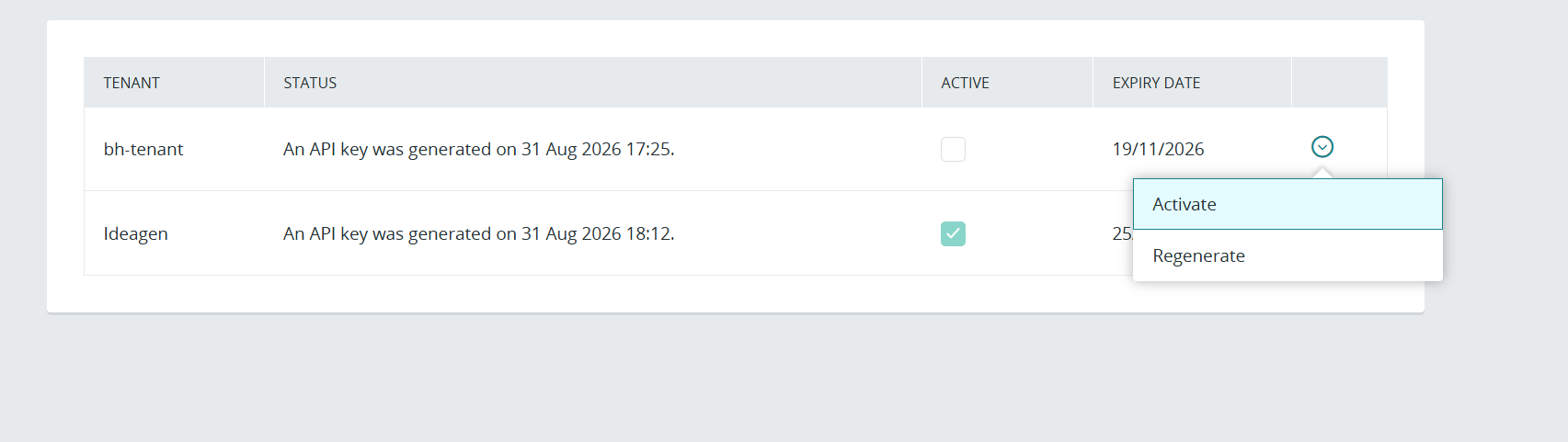
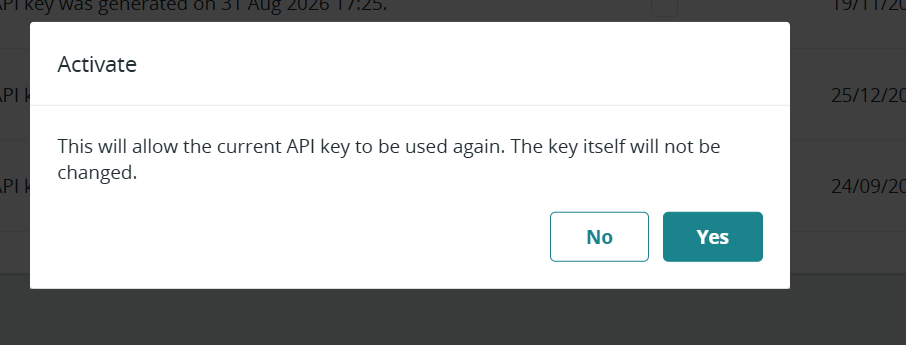
Activating allows a previously deactivated key to be used again. As with deactivation, the key itself is not changed.
To activate a key:
- Locate the key in the tenant list.
- Open the row menu.
- Select Activate.
Regenerating a key
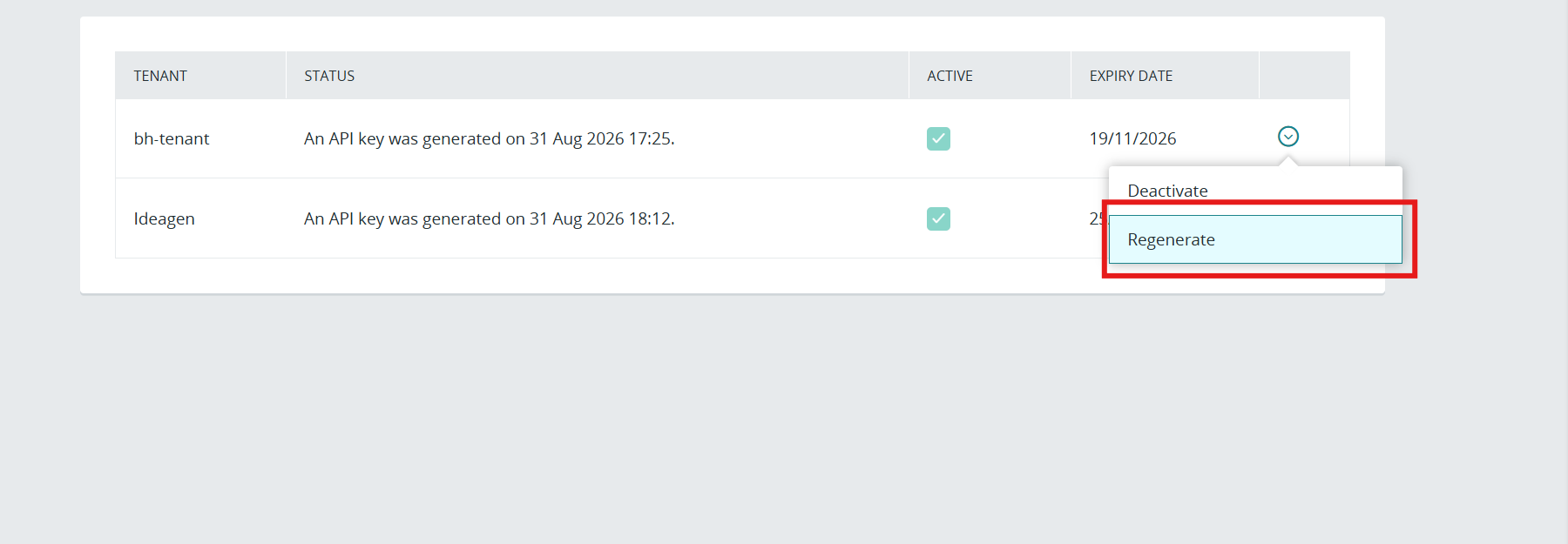
Regenerating replaces the key with a new value. Use this if the current key is lost or compromised.
Note: As with initial generation, the new value is shown once and cannot be retrieved later.
To regenerate a key:
- Locate the key in the tenant list.
- Open the row menu.
- Select Regenerate.