New article
Recently updated
Generating Import API credentials

Who is this article for?
Users who want to learn to generate import API credentials.
No special access or permissions are required.
Import API credentials allow external systems to Ideagen Supply Chain and import data into your tenant.
Locating the Import API Credentials page
To access the Import API Credentials page:
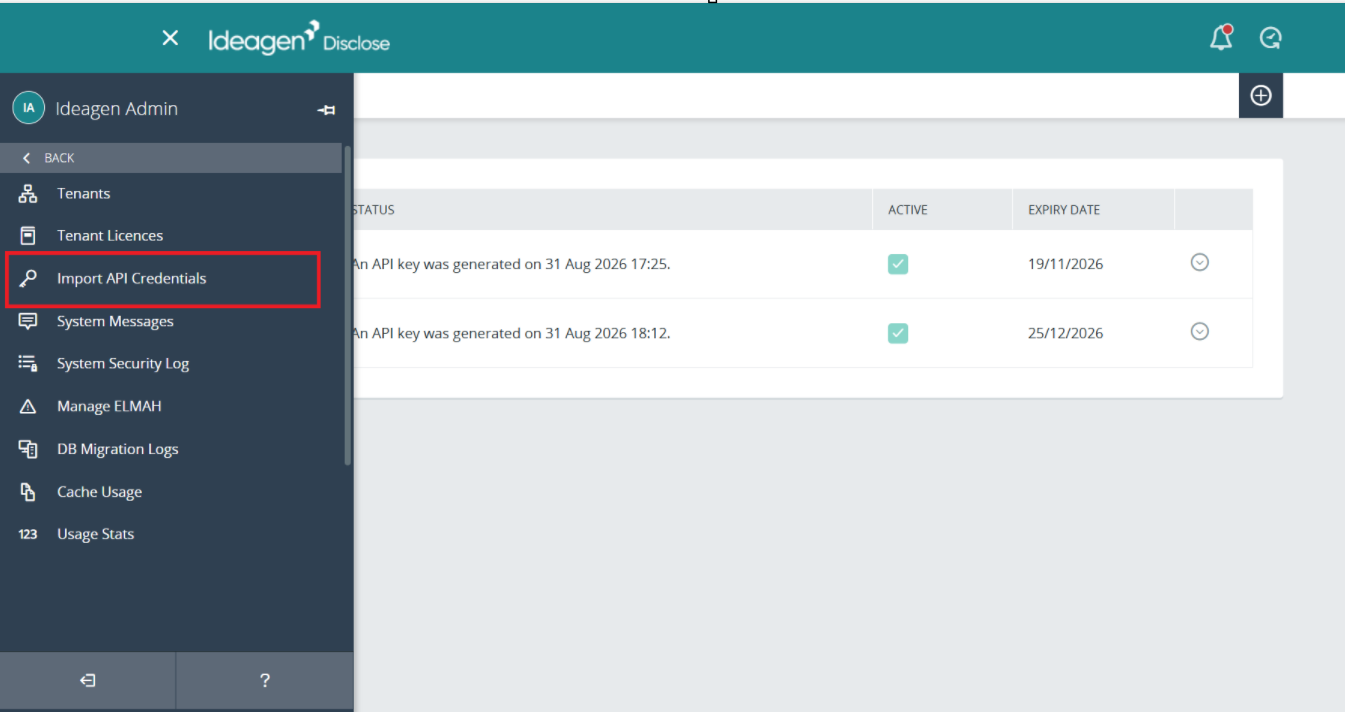
- Go to System Administration.
- Select Import API Credentials.
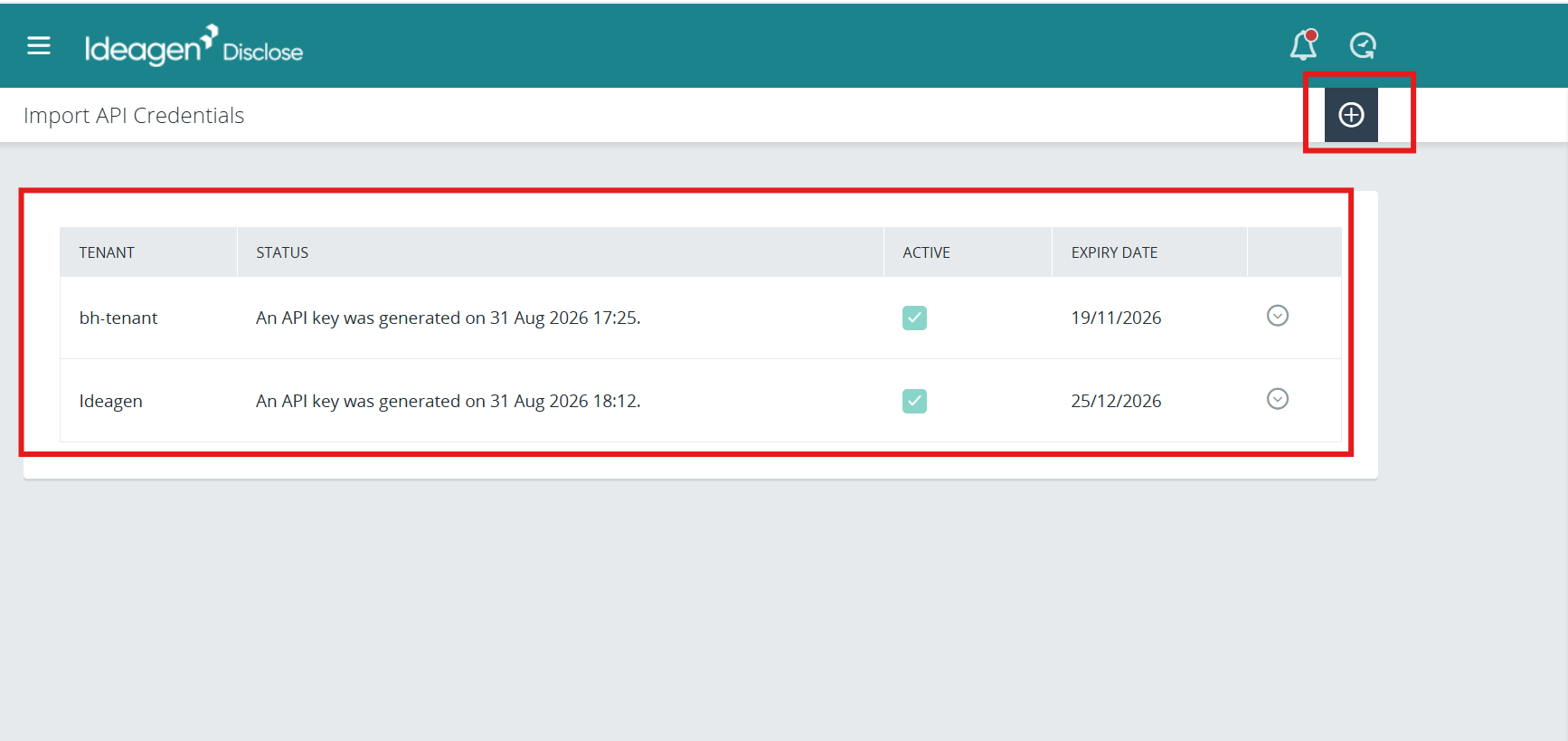
The page displays existing API keys and a New button to create additional keys.
Creating a new API key
To generate a new API key:
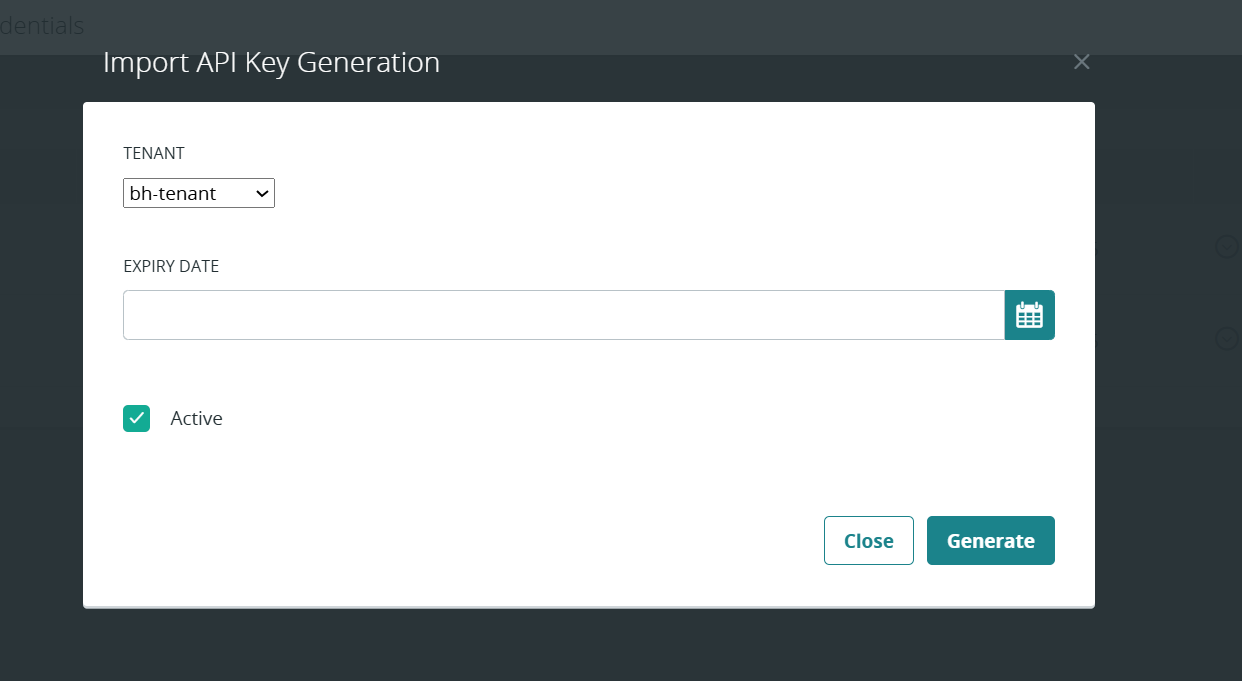
- Click the New button.
- Select the tenant for which you want to generate the key.
- Set an expiry date.
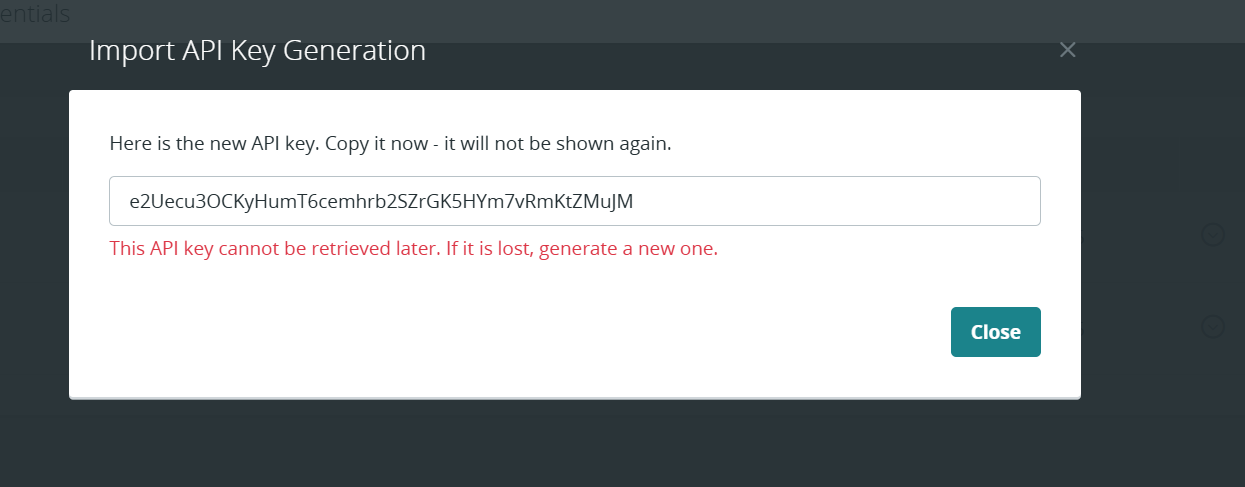
Important: The new key displays only once. Copy it immediately, as it will not be shown again. If you lose the key, you must generate a new one.